Text messages have become boring. Every year, you forward the same old "Happy New Year" or "HBD" messages, and they get lost in the flood of notifications.
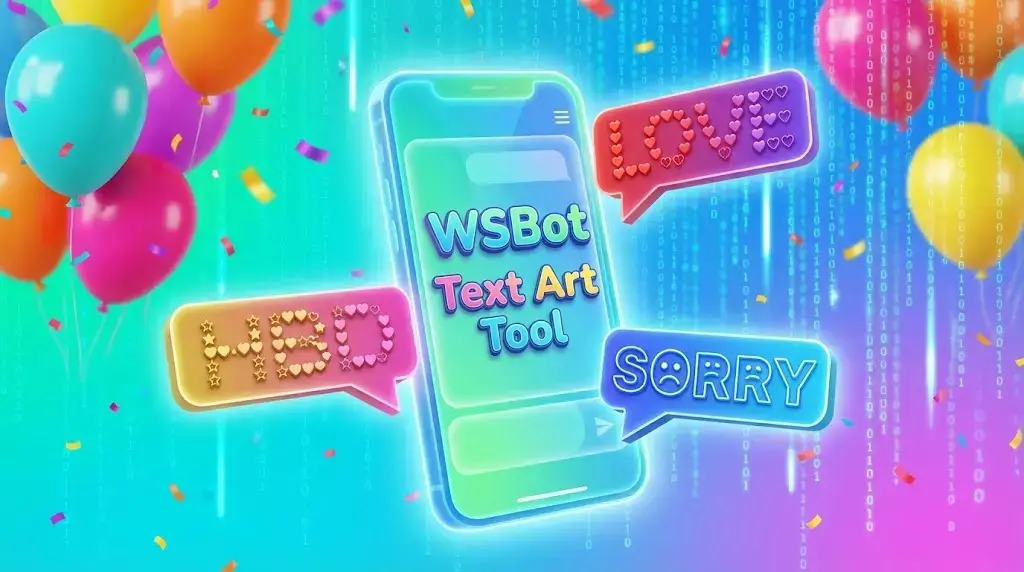
This year, stand out from the crowd! Instead of sending plain text, send massive, eye-catching ASCII Art (Big Text) that fills up the entire screen.
Our Advanced Generator Tool creates designs that are 100x better than the old copy-paste messages. Whether you want a 3D "Happy New Year" or a Graffiti "HBD", you can create it in seconds.
🔥 Create Your Own Unique Art!
Don't settle for old styles. Type YOUR MESSAGE in our WhatsApp ASCII Art Generator to create custom big text instantly!
🎆 How to Create "Happy New Year 2026" Big Text?
The New Year is around the corner! Instead of copying broken text from websites, use our tool to generate a perfect banner.
Try these styles in our tool:
Style 1 (3D Effect): Select the "3D-ASCII" font and type "2026". It looks like the text is popping out of the screen!
Style 2 (Block): Select the "Block" font and type "HAPPY NEW YEAR". This creates a solid, bold headline.
Style 3 (Graffiti): Want something cool? Use the "Graffiti" style for a street-art look.
🎂 Happy Birthday Wishes (Make it Massive)
Make their special day even bigger with these massive birthday wishes. Writing "Happy Birthday" in standard text is boring. Try this:
Best keywords to generate:
Type "HBD [Name]" (e.g., HBD ALI) using the "Ghost" font for a fun effect.
Type "PARTY TIME" using the "Bubble" font for a cute, rounded look.
Type the age (e.g., "SWEET 16") in "Banner" mode to make it huge.
❤️ Love & Romantic Big Text
Impress your crush or partner with cute text arts that look professionally designed.
Romantic Ideas to Generate:
Type "I LOVE U" and select the "Shadow" font for a dramatic effect.
Use our "Advanced Features" to replace the text symbols with Hearts (❤️). Imagine a giant "LOVE" written entirely with small red hearts!
Type their Name in "Script" font for a handwritten, elegant style.
🤣 Funny & Prank Text Art
Want to troll your friends? Send them spooky or weird messages.
The Ghost Prank: Select the "Ghost" font and type "BOO!". It creates a creepy text style perfect for scaring friends.
The Sorry Message: Did you mess up? Type "SORRY" in the biggest font available (like "Big"). It’s hard to ignore a Sorry that takes up the whole screen!
How to Use the Tool? (Step-by-Step)
You don't need to learn coding. Just use our free tool: