
Word Counter Pro
Count words, check density, and fix spacing instantly.
- Type to see keywords...
Whether you are a student writing an assignment, a blogger optimizing for SEO, or a social media manager crafting the perfect tweet, knowing the length of your text is crucial. Many platforms have strict character limits, and exceeding them can be frustrating.
Welcome to WSBot.top. Our **Word Counter Pro** is more than just a calculator; it is a smart writing assistant. It helps you track words, characters, sentences, and even analyzes your keyword usage in real-time.
This tool is a key part of our Utility Tools collection, designed to boost your productivity.
Why Use an Online Word Counter?
While Microsoft Word shows word counts, it doesn't give you detailed insights. Our web-based tool is faster and offers specific features for digital creators:
- Social Media Check: Instantly see if your text fits in a Tweet (280 characters) or Instagram Bio (150 characters).
- SEO Optimization: Our "Keyword Density" feature shows which words you are using most frequently, helping you avoid keyword stuffing.
- Reading Time: Know exactly how long it will take for your audience to read your article.
How to Use This Tool?
Using the Word Counter is seamless. Just start typing or paste your document:
1. Real-Time Stats
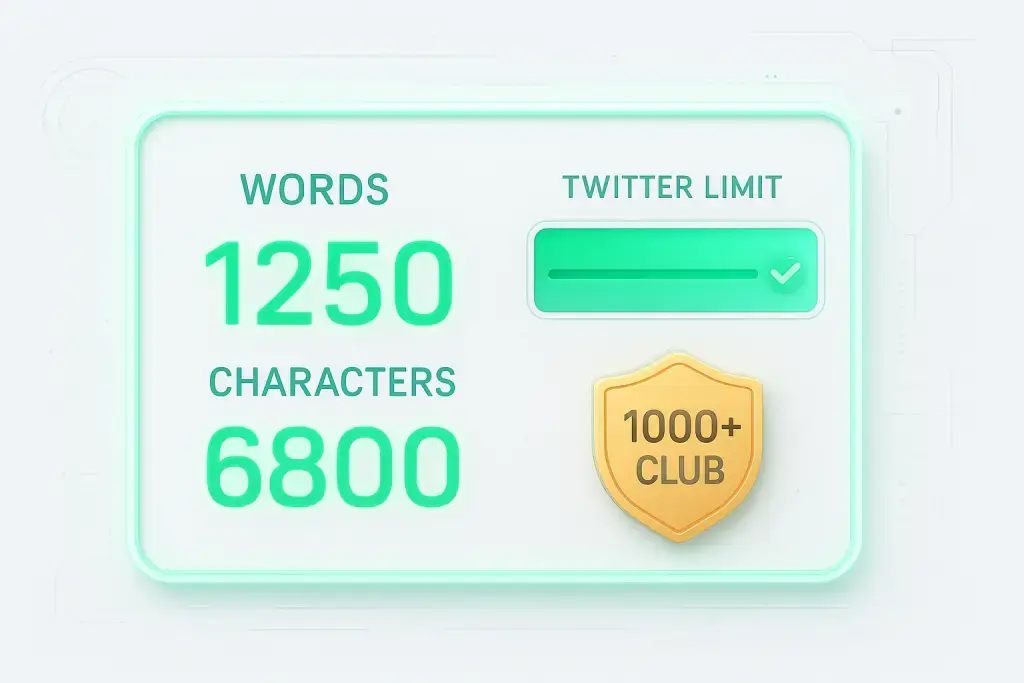
As you type, the top dashboard updates instantly to show:
- Words: The total number of words.
- Characters: Total letters and spaces.
- Sentences & Paragraphs: Useful for checking the structure of your writing.
2. Check Keyword Density (New!)
Look at the panel on the left. It lists your **Top 5 Keywords**. If you see a word repeating too often (e.g., "Good" used 20 times), you might want to replace it with a synonym to improve your writing quality.
3. Smart Clean-up
Copied text from a PDF or website? It often comes with messy formatting and double spaces. Click the "🧹 Smart Clean-up" button to instantly remove extra spaces and neaten your text.
Who is This Tool For?
- Students: Ensure your essay meets the minimum word requirement.
- Content Writers: Check article length and keyword usage for SEO.
- Copywriters: Create punchy headlines that fit within ad limits (like Google Ads).
- Social Media Managers: Write captions that don't get cut off.
Conclusion
Writing is hard, but editing doesn't have to be. Use the WSBot Word Counter to polish your content and ensure it meets every requirement before you hit publish.