
WhatsApp ASCII Art Generator
Convert text into Big Artistic Styles (Copy & Paste).
WhatsApp ASCII Art Generator: Create Big Text & Symbol Art (Copy Paste)
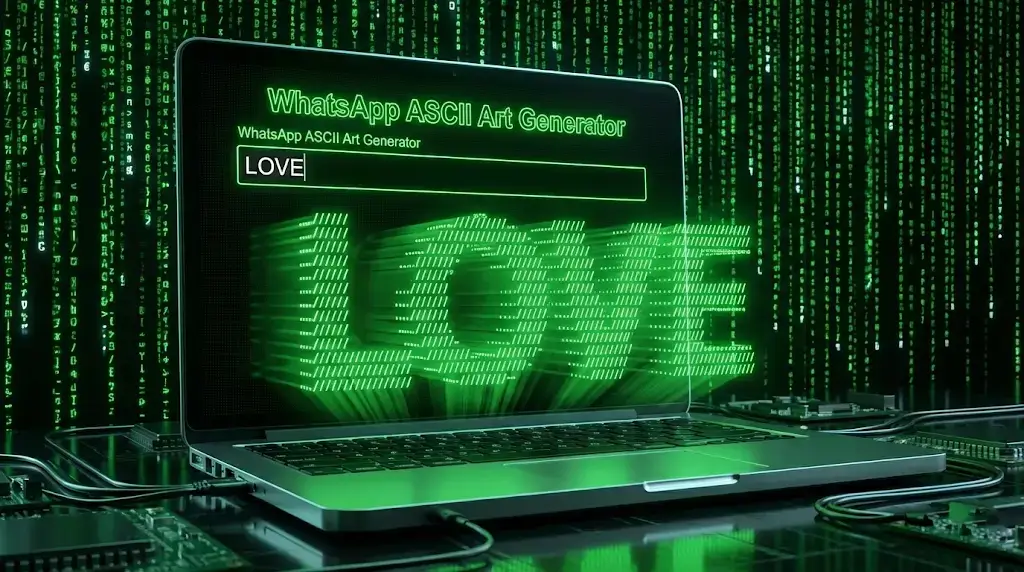
Have you ever seen those cool messages on WhatsApp where the text is made up of small symbols, lines, and dots to form a Big 3D Text? It looks amazing, right? But typing that manually would take hours.
Welcome to the WSBot WhatsApp ASCII Art Generator. This tool turns your normal boring text into massive, stylish, and artistic text blocks instantly. Whether you want to send a "Big Hello," wish someone a "Happy Birthday" in style, or create a spooky "Ghost Text," our tool does it in one click.
Stop sending plain messages. Start sending Art.
What is ASCII Art?
ASCII (pronounced "ask-ee") Art is a graphic design technique that uses computers for presentation and consists of pictures pieced together from the printable characters defined by the ASCII Standard.
In simple words: We use symbols like / \ | _ - to draw big letters. Since WhatsApp supports "Monospace" formatting, these arts look perfect in chats and don't break.
How to Create Big Text Art for WhatsApp?
Using this tool is super simple. You don't need to learn coding or design. Just follow these steps:
- Enter Your Text: Type the word you want to convert (e.g., "LOVE", "SORRY", "PUBG"). Keep it short (under 10 letters) for the best results on mobile screens.
- Choose a Style: We have over 15+ unique styles including:
- Standard: The classic big text look.
- Graffiti: Looks like street art.
- Ghost: Spooky and wavy text.
- 3D: Text that pops out of the screen.
- Customize (Advanced): Use the "Advanced Features" to add a border box or replace the standard symbols with Emojis (like ❤️) for a unique look.
- Copy & Share: Click the "Copy Art" button. Our tool automatically formats it for WhatsApp so it doesn't break when you paste it.
Why Use WSBot's ASCII Generator?
There are many text generators online, but most of them are built for computers, not phones. Here is why WSBot is superior:
1. Optimized for WhatsApp (Mobile Friendly)
The biggest problem with ASCII art is that it breaks on small mobile screens. We have added a "Width Control" slider. You can adjust the size so your art fits perfectly on any phone screen without wrapping to the next line.
2. Vertical Mode for Long Names
Want to write a long name like "MUHAMMAD"? If you write it horizontally, it will break. Our exclusive Vertical Mode stacks the letters on top of each other so you can send huge names that are easy to read.
3. No Broken Formatting
When you copy from our tool, we automatically wrap the text in Code Blocks (```). This tells WhatsApp to use a fixed-width font, ensuring your design stays perfect.
4. 100% Free & Private
Everything happens in your browser. We do not store your text or data. It’s fast, free, and safe.
Best Use Cases for ASCII Text Art
Where can you use these cool designs? Here are some trending ideas:
🎂 Birthday Wishes
Don't just type "HBD". Send a massive "HAPPY BIRTHDAY" banner made of symbols. It shows you put in extra effort.
🎮 Gamer Bios & Clan Descriptions
Gamers love ASCII art. Use the "Graffiti" style to write your Clan Name in your PUBG or Free Fire profile description. It looks aggressive and pro.
💻 Coding Comments
If you are a developer, you can use this tool to generate big headers for your code files (e.g., // MAIN LOGIC) to make your code readable.
❤️ Romantic Messages
Use the "Replace Symbol" feature with a Heart (❤️) to write your partner's name. It creates a romantic effect that simple text can't match.
Frequently Asked Questions (FAQs)
Why does the text look broken when I paste it?
This happens because different fonts have different character widths. To fix this on WhatsApp, our tool automatically adds three backticks (```) before and after your text. Do not remove them!
Does this work on Instagram or Facebook?
Yes and No. It works best on WhatsApp and Discord because they support "Monospace" fonts. On Instagram comments, the alignment might shift slightly depending on the user's phone.
Can I use Emojis instead of lines?
Yes! Open the "Advanced Features" menu and type an emoji (e.g., 🔥) in the "Replace Symbol" box. The art will be redrawn using that emoji.
Is there a character limit?
No strict limit, but we recommend keeping it under 12 characters for horizontal text. For longer text, switch to "Vertical Mode".
Conclusion
Text messaging doesn't have to be boring. With the WSBot ASCII Art Generator, you can turn simple words into masterpieces. Whether you are a gamer, a coder, or just someone who loves cool text tricks, this tool is for you.
Ready to create magic? Scroll up, type your text, and start sharing big art today!