
Text to Emoji Converter
Draw Your Message with Hearts, Fire & 60+ Emojis! 🔥
Social media is all about standing out. Whether you are scrolling through TikTok comments, checking WhatsApp Status updates, or reading Instagram captions, plain text can sometimes feel boring. If you want to grab attention instantly, our **Text to Emoji Converter** is the perfect tool for you.
Welcome to **WSBot.top**, where we turn boring words into art. This tool allows you to convert simple text into giant letters made entirely of emojis. Imagine writing your name using only Hearts (❤️), Fire (🔥), or even Stars (⭐). It is creative, fun, and 100% free to use.
What is the Text to Emoji Converter?
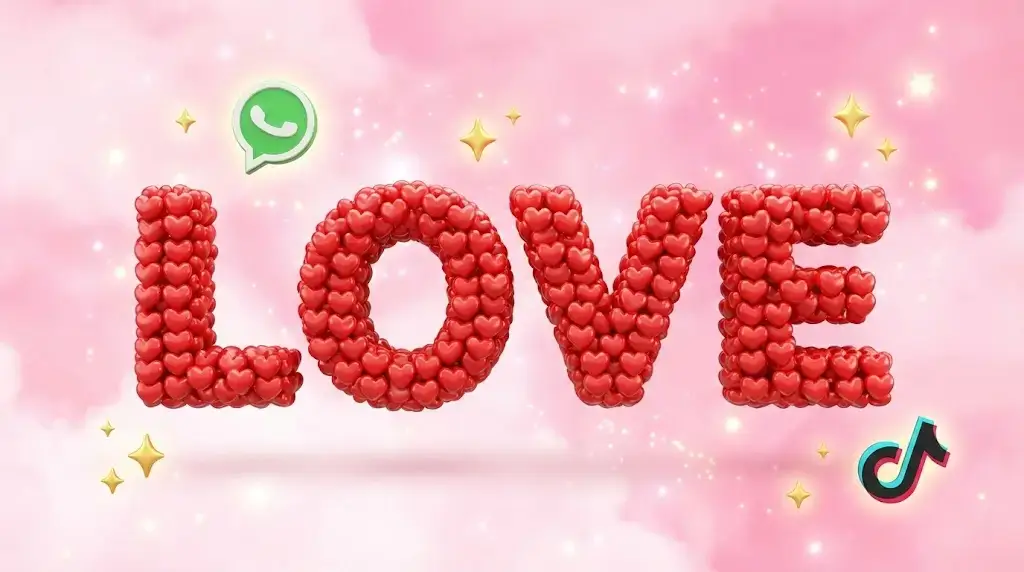
The **Text to Emoji Converter** (also known as the Emoji Letter Generator) is a script that takes your input text and "draws" it using emojis as the ink. It replaces the pixels of a letter with the emoji of your choice.
For example, if you type "HI" and choose the Fire emoji, the tool will arrange the Fire emojis in a grid pattern to form the shape of the letters "H" and "I". This type of emoji art is incredibly popular on messaging apps like WhatsApp and Telegram because it is visible even on older phones and creates a huge visual impact.
How to Use This Tool?
We have packed this tool with advanced features like "Quick Themes" and "Smart Pickers" to make it easy for you. Here is how to create your masterpiece:
Step 1: Enter Your Text
Type the word or name you want to convert in the text box. (e.g., "LOVE", "SORRY", or your name). Tip: Keep it short (under 10 letters) for the best look on mobile screens.
Step 2: Choose Your Emojis
You have two options here:
- Quick Themes: Select a preset like "Love Mode" or "Fire Mode" from the dropdown to automatically apply the best emoji combinations.
- Custom Selection: Click the "Select" button to open our library of 50+ popular emojis. You need to choose an Ink Emoji (the text color) and a Background Emoji (the paper color, usually white or black).
Step 3: Adjust for Mobile (Optional)
If you are sending this to a friend on WhatsApp, check the box that says "Add extra space". This ensures the letters don't look squashed together on small mobile screens.
Step 4: Copy and Share
Once your art is generated in the preview box, click "Copy Art" to save it to your clipboard or hit the "Share" button to send it directly to WhatsApp.
Top Use Cases: Where to Use Emoji Art?
This tool is versatile and can be used across various platforms:
- TikTok Comments: Post your reaction in big emoji letters to get top comment status.
- WhatsApp Status: Wish someone "Happy Birthday" using cake and balloon emojis.
- Instagram Bio: Make your profile unique by writing your initials in emojis.
- Apology Messages: Saying "SORRY" looks much more sincere when written with broken hearts (💔) or sad faces.
- Gaming Profiles: Create unique clan descriptions for PUBG or Free Fire.
Features of WSBot Emoji Tool
- 🎨 50+ Emoji Library: We have integrated a smart picker with the most popular emojis including hearts, nature, animals, and abstract symbols.
- ⚡ Live Preview: See your art being drawn in real-time as you type.
- 📱 Mobile Optimized: Includes a special spacing feature designed specifically for WhatsApp mobile users.
- 📋 One-Click Copy: No need to struggle with selecting text manually.
- 🚀 No App Needed: Works directly in your browser on Chrome, Safari, and Opera.
Frequently Asked Questions (FAQs)
Q: Why does the art look broken on my phone?
A: Emoji widths can vary between iPhone and Android. If the art looks squashed, try enabling the "Add extra space" checkbox in our tool. This adds breathing room between the emojis to fix the alignment.
Q: Can I use my own custom emojis?
A: Yes! While we provide a list of 50+ emojis, you can type or paste ANY emoji from your keyboard into the "Ink" or "Background" fields, and the tool will use it.
Q: Is this tool free?
A: Yes, WSBot.top provides this tool 100% free for unlimited use.
Q: What is the maximum text length?
A: We recommend keeping it under 15 characters. Since emoji letters are very wide, long sentences might break into multiple lines on chat apps.
Ready to go viral? Start drawing your message with the tool above!