How to Remove Emojis from Text Online? (Free Text Cleaner Tool 2026)
Home » How to Remove Emojis from Text Online? (Free Text Cleaner Tool 2026)
Table of Contents
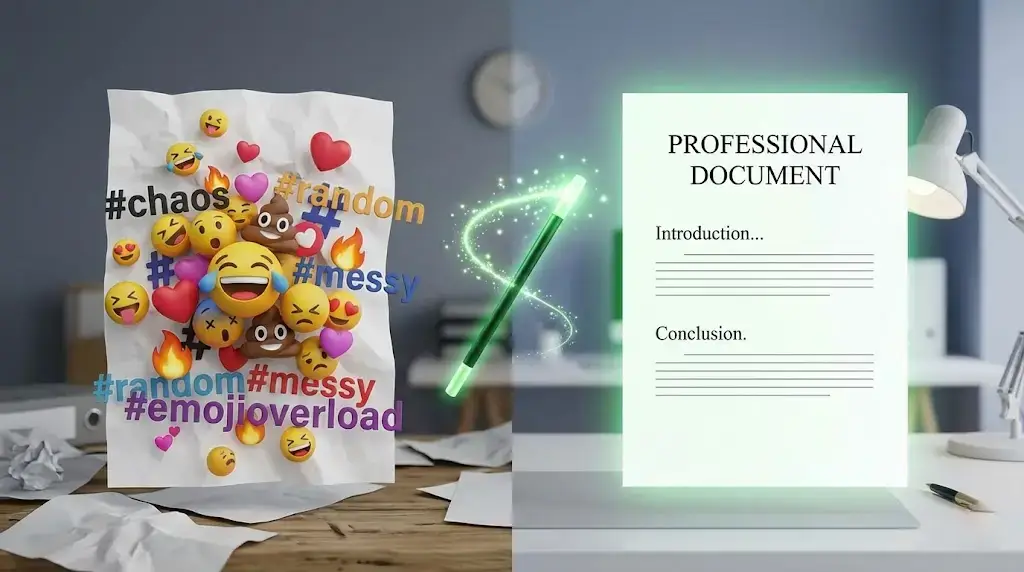
Emojis are fun, colorful, and expressive. We use them everywhere—from WhatsApp chats to Instagram captions. But sometimes, they can become a huge problem.
Imagine you are a student trying to copy notes from a website, but the text is filled with smiley faces. Or maybe you are a social media manager who needs to copy a competitor's caption but wants to remove their 30 different hashtags. Doing this manually (deleting one by one) is frustrating and time-consuming.
Luckily, you don't have to do it manually anymore. In this guide, I will show you how to remove emojis, hashtags, and links from any text in just one click.
Why Do You Need an Emoji Remover?
There are several reasons why clean text is better than emoji-filled text in professional settings:
- Data Analysis: If you are a developer or data analyst, emojis can break your code or confuse sentiment analysis scripts.
- Professional Emails: Sending an email with "Hey 👋 Boss 😎" looks unprofessional. You need plain text.
- Repurposing Content: If you copy a caption from Instagram to post on LinkedIn, you need to strip out the informal emojis and hashtags.
🧹 Clean Your Text Instantly!
Stop pressing backspace! Use our free tool to remove emojis and hashtags in seconds.
Step-by-Step: How to Clean Text Online
Using WSBot.top, cleaning text is easier than ever. Follow these steps:
Step 1: Open the Text Cleaner
Visit our free Emoji Remover & Text Cleaner Tool.
Step 2: Paste Your Messy Text
Copy the text containing emojis, hashtags, or links and paste it into the main input box. You will immediately see the tool counting how many emojis are present.
Step 3: Choose Your Cleaning Options
This is where the magic happens. You can customize exactly what you want to remove:
- Remove Emojis: Provides pure text. (e.g., "Hello 👋" -> "Hello")
- Remove Hashtags: Great for cleaning social media captions. (e.g., "#Viral #Trend" -> "")
- Remove Links: Strips out http/https URLs.
- Extract Mode: Want to keep the emojis and delete the text instead? Switch to "Extract Mode".
Step 4: Copy the Result
Your clean text is ready! Click the "Copy Result" button and paste it wherever you need. You can also send the clean text directly to WhatsApp.
Advanced Tip: Fix "Sticky" Words
A common problem with other tools is that when an emoji is removed, the words stick together.
Example: "Hello👋World" becomes "HelloWorld".
Our tool has a smart feature called "Replace with Space". Ensure this checkbox is ticked, and our tool will intelligently put a space where the emoji used to be, keeping your sentences readable.
Conclusion
Whether you are cleaning up a contact list, preparing a report, or just fixing a caption, the WSBot Emoji Remover is the fastest way to get the job done. Bookmark it today and say goodbye to manual deleting!