How to Convert Text to Uppercase, Lowercase & Title Case Online?
Home » How to Convert Text to Uppercase, Lowercase & Title Case Online?
Table of Contents
We have all been there. You are typing a long email or a document, looking down at your keyboard, and when you finally look up at the screen, you realize you left the CAPS LOCK on. Everything looks like you are screaming!
Retyping everything from scratch is frustrating and a waste of time. Or maybe you have a list of blog titles that are all in lowercase, and you need to capitalize the first letter of every word (Title Case) to make them look professional.
Don't worry! You don't need to rewrite a single word. In this guide, I will show you how to change text case instantly using our free Case Converter Tool.
What is a Case Converter?
A Case Converter is a smart utility tool that automatically changes the capitalization format of your text. It analyzes your sentences and converts letters into specific styles like Uppercase, Lowercase, or even coding formats like camelCase.
🔠 Fix Your Text Formatting Now!
Convert Uppercase to Lowercase (and vice versa) in one click.
Step-by-Step: How to Change Text Case Online
Using WSBot.top, you can format any amount of text in seconds. Follow these steps:
Step 1: Paste Your Text
Copy the messy text from your document, email, or code editor and paste it into the Case Converter Tool input box.
Step 2: Choose Your Format
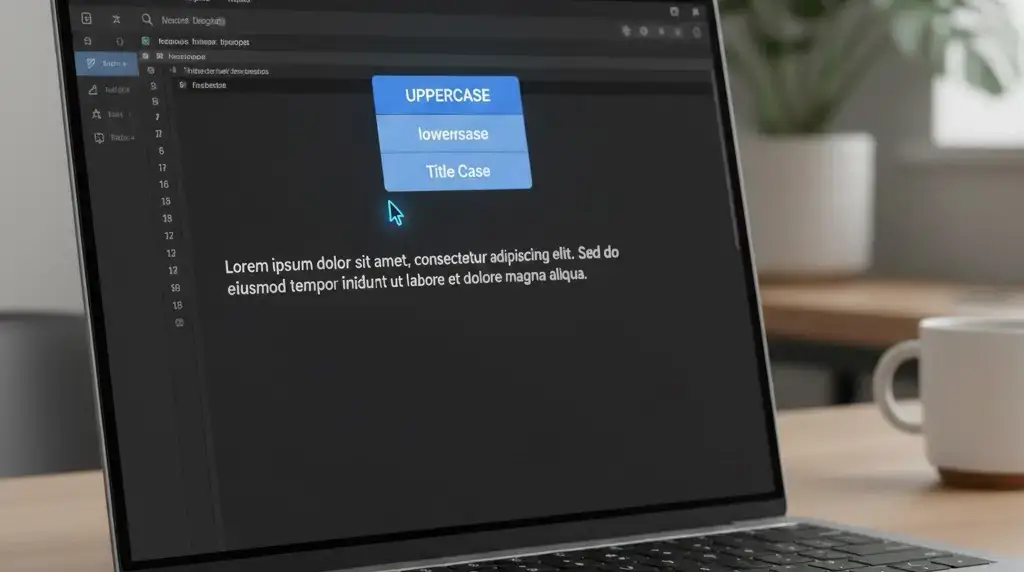
Click on the button that matches the style you need:
- UPPER CASE: Converts "hello" to "HELLO". (Great for headers).
- lower case: Converts "HELLO" to "hello". (Fixes Caps Lock accidents).
- Sentence case: Capitalizes the first letter of a sentence. (Standard writing).
- Capitalized Case: Capitalizes Every Word Like This. (Perfect for Titles).
- aLtErNaTiNg cAsE: Used for memes and fun messages.
Step 3: Advanced Options (For Developers)
If you are a coder or SEO expert, we have added special modes for you:
- camelCase: Useful for Java/JavaScript (e.g.,
myVariableName). - snake_case: Useful for Python/Databases (e.g.,
my_variable_name). - kebab-case: Useful for URL slugs (e.g.,
my-blog-post).
Step 4: Copy or Download
Once converted, simply click "Copy Result". If you are working on a large file, you can also click "Save .txt" to download the formatted text to your computer.
Why Use This Tool Instead of Word?
While Microsoft Word has a case changer (Shift + F3), it is limited. Our online tool is better because:
- ✅ It's Free & Fast: No need to open heavy software.
- ✅ Developer Modes: Word doesn't support snake_case or kebab-case.
- ✅ Word Count: We show you the live word and character count while you convert.
- ✅ Mobile Friendly: Works perfectly on your phone.
Conclusion
Formatting text shouldn't be a chore. Whether you are fixing a Caps Lock mistake or preparing a blog title, the WSBot Case Converter is the fastest way to get it done. Bookmark it for your daily writing tasks!