Fake WhatsApp Chat
Home » Fake WhatsApp Chat
How to Create Realistic Fake WhatsApp Chat Screenshots for Pranks (2026 Guide)
Table of Contents
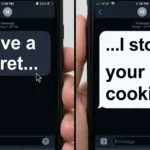
Have you ever seen a screenshot on social media where someone is chatting with a celebrity like Elon Musk or Lionel Messi? Or maybe a funny conversation where a "Mom" roasts her son with a savage reply?
Let me tell you a secret: 99% of those chats are FAKE.
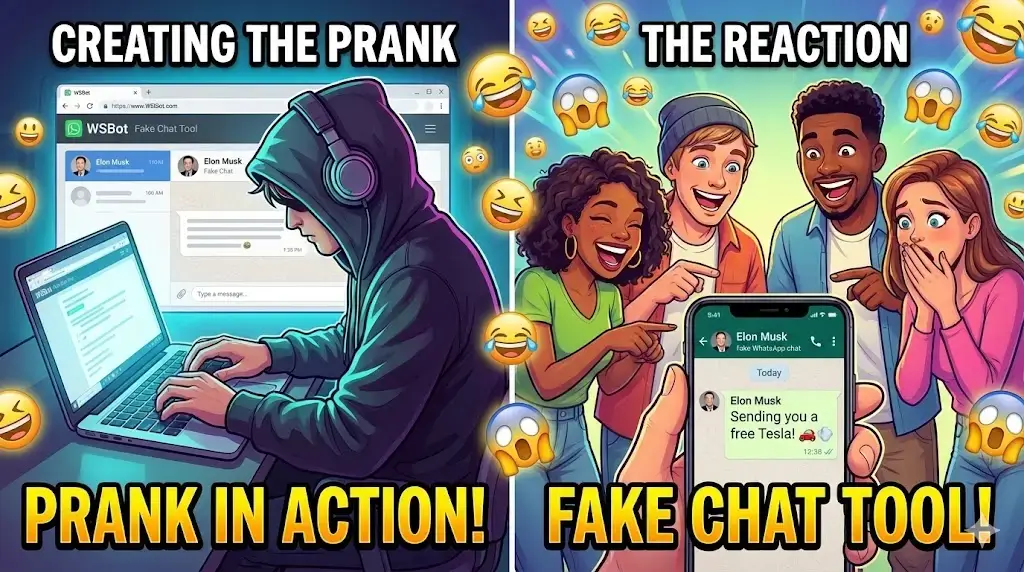
They are created using tools called Fake Chat Generators. And today, we are going to show you how YOU can create your own realistic WhatsApp screenshots to prank your friends, create viral memes, or just have some fun.
Using the WSBot Fake Chat Generator, you can design a conversation that looks so real, no one will be able to tell the difference.
Why Create a Fake WhatsApp Chat?
People use fake chat generators for many creative reasons. Here are the top 3:
1. Pranking Friends & Family 🤣
Imagine sending a screenshot to your best friend showing your "Girlfriend" breaking up with you. Or showing your mom a fake chat where "School Principal" says you are suspended. The panic on their faces will be priceless!
2. Creating Viral Memes 📈
If you run a meme page on Instagram or Facebook, you know that "Chat Screenshots" get the most likes. You can script funny conversations and share them with your followers.
3. Storytelling & Content Creation 🎥
TikTokers and YouTubers use fake chats to tell stories (e.g., "My Stalker Texted Me"). It’s a great way to engage your audience visually.
Step-by-Step: How to Design a Fake Chat?
You don't need Photoshop skills. Just follow these simple steps using WSBot:
Step 1: Choose Your Interface (Android vs iPhone)
First, decide who you are pranking. Do they use an iPhone or Android? Our tool lets you switch between both styles instantly. You can even turn on Dark Mode for a modern, realistic look.
Step 2: Set Up the Profile
Make it look authentic.
- Name: Enter any name (e.g., "Boss", "My Ex", "Pizza Guy").
- Photo: Upload a profile picture. (Tip: Use a blurry photo for more realism).
- Status: Set it to "Online" or "Typing..." to create urgency.
Step 3: Create the Conversation
Now, become the scriptwriter.
- Sender (White Bubble): Type what the "Other Person" says.
- You (Green Bubble): Type your replies.
- Add Media: You can even insert Fake Images or Audio Messages to make it look 100% legit.
Step 4: Download & Share
Once your masterpiece is ready, click "Download Screenshot". The tool will generate a High-Quality Image that you can share on WhatsApp Status, Instagram Stories, or Facebook.
3 Prank Ideas You Can Try Right Now
The "Wrong Number" Prank
Create a chat where a "Stranger" texts you asking for money or claiming to be your long-lost brother. Show it to your parents and watch their reaction.
The "Celebrity DM" Prank
Set the name to a famous actor or cricketer (e.g., Babar Azam or Shah Rukh Khan). Write a message saying: "Hey, big fan of your work! Let's meet up." Post it on your status and see how many people believe it!
The "Cheating" Prank
Create a fake chat where a random girl/boy is flirting with you. Accidentally "leak" the screenshot to your partner. (Warning: Do this at your own risk! 😂)
Frequently Asked Questions (FAQs)
Is there a watermark on the photos?
No! Unlike other apps, WSBot is completely free and does not put any annoying watermarks on your pranks.
Can I change the time and battery?
Yes! You can customize the clock time (e.g., 2:00 AM for late-night chats) and even the battery percentage in the status bar.
Is this tool safe?
100%. We do not upload your photos or text to any server. Everything is generated locally in your browser.
Conclusion
Fake chat generators are the ultimate tool for digital fun. Whether you want to become a meme lord or just troll your bestie, WSBot gives you the power to create any conversation you can imagine.
Ready to start? Click below and create your first fake screenshot now!
Disclaimer: This tool is for entertainment purposes only. Please do not use it for fraud, spreading fake news, or harming anyone's reputation.